Switching database allocation
Compare table-resource templates before making a disruptive capacity change.
Independent lab examples; selected output and frame summaries are illustrative. Port naming and command support vary by switch and software release.
Network and objective
SDM is platform-specific. This worked command family describes legacy Catalyst 3560/3750-style templates; current platforms have different choices and activation requirements.
SW1 serves many VLANs and IPv4 routes. Its supported hardware resources are shared among forwarding functions. The objective is to match a documented template to requirements, not assume unused memory can become any feature.
How it works
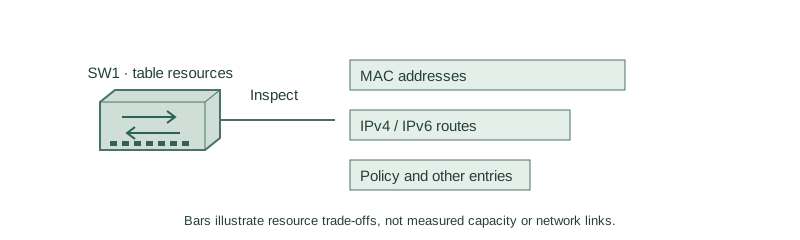
An SDM template partitions hardware resources among MAC entries, routes and other functions. Increasing one capacity can reduce another. A template never guarantees that every advertised maximum can be reached simultaneously.
Inspect the current template, supported alternatives and feature requirements before changing it. On the scoped legacy platforms a change is pending until reload. Save configuration and plan a maintenance/recovery window; no reload is performed as part of this lesson.
Configure or inspect
show sdm prefer
show sdm prefer routing
Verify the result
SW1#show sdm prefer
The current template is "desktop default" template.
SW1#show sdm prefer routing
"desktop routing" template:
  Optimizes resources for IPv4 unicast routing.
This reduced output compares current and candidate purpose; numeric limits must come from the exact hardware/release documentation, not from another switch’s output.
Failure and recovery
A requested template may be unsupported or consume resources needed by another feature. A pending preference is not an active capacity change. Verify after an approved reload before relying on new scale.
configure terminal
sdm prefer routing
end
Further reading
Key Takeaways
- Templates allocate finite forwarding resources.
- Capacity trade-offs depend on platform and release.
- Inspect active and candidate templates separately.
- A preference can require a reload before activation.
- Do not copy another model’s scale limits.